2,160,000+ videos processed

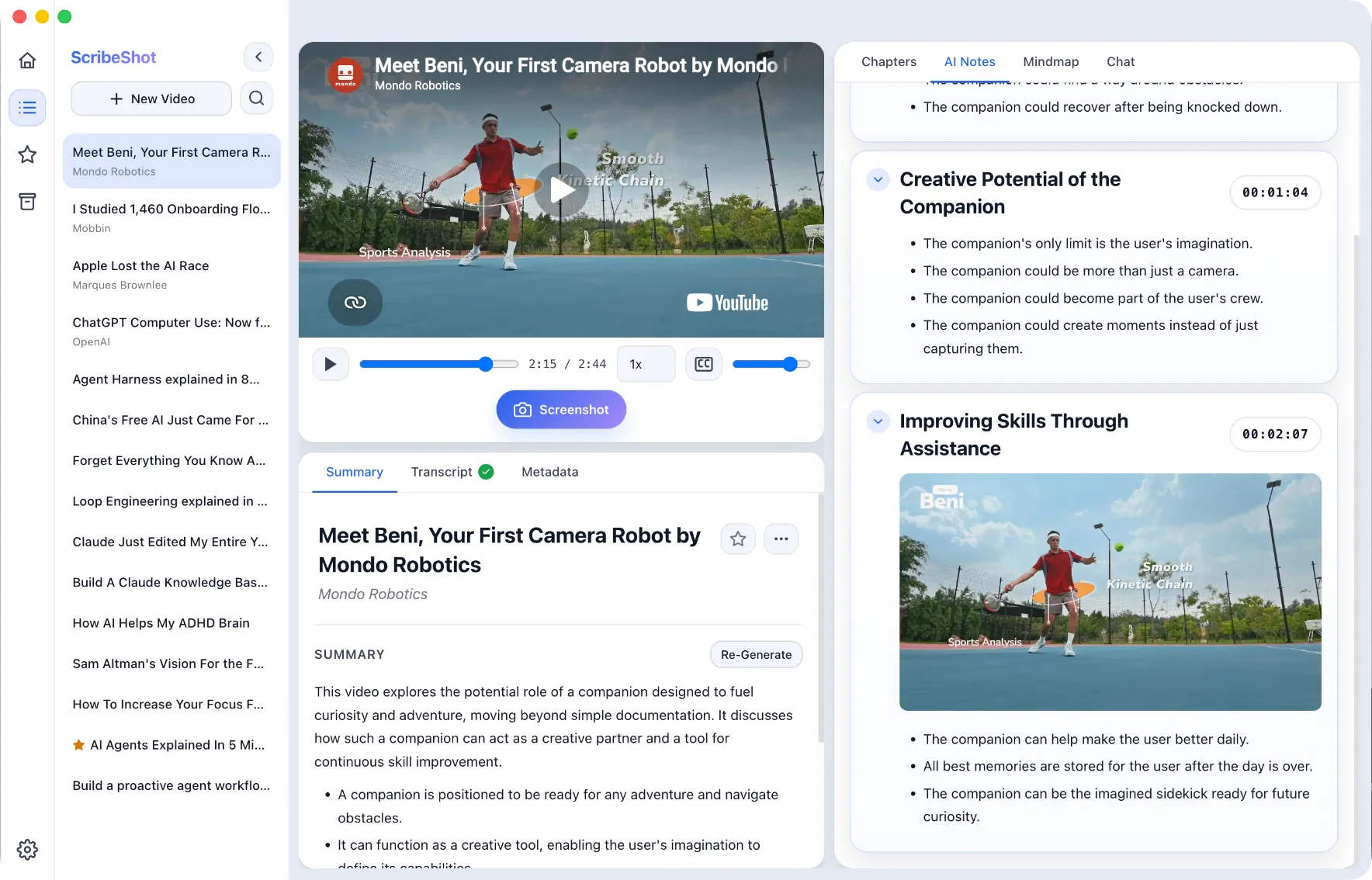
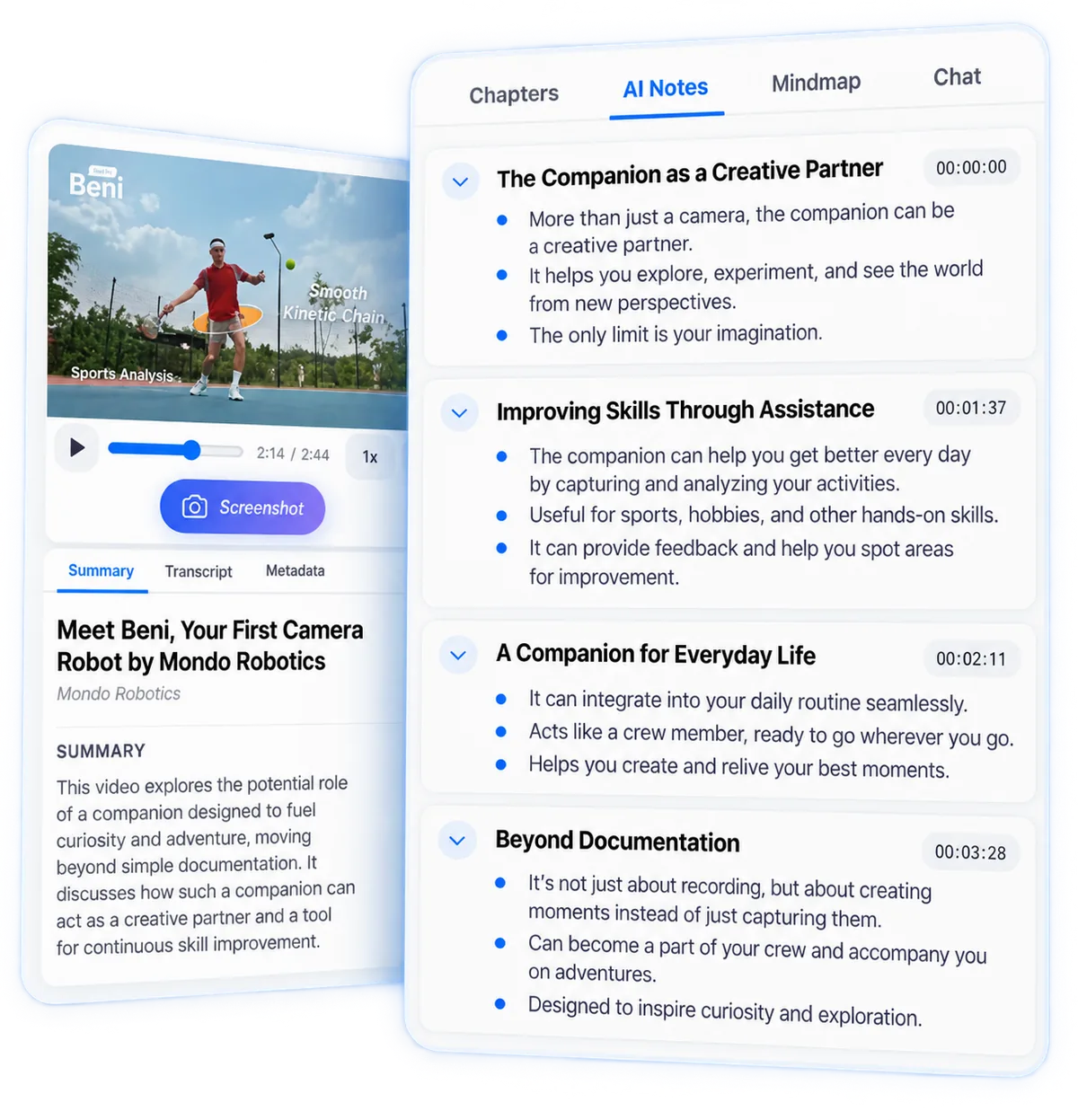
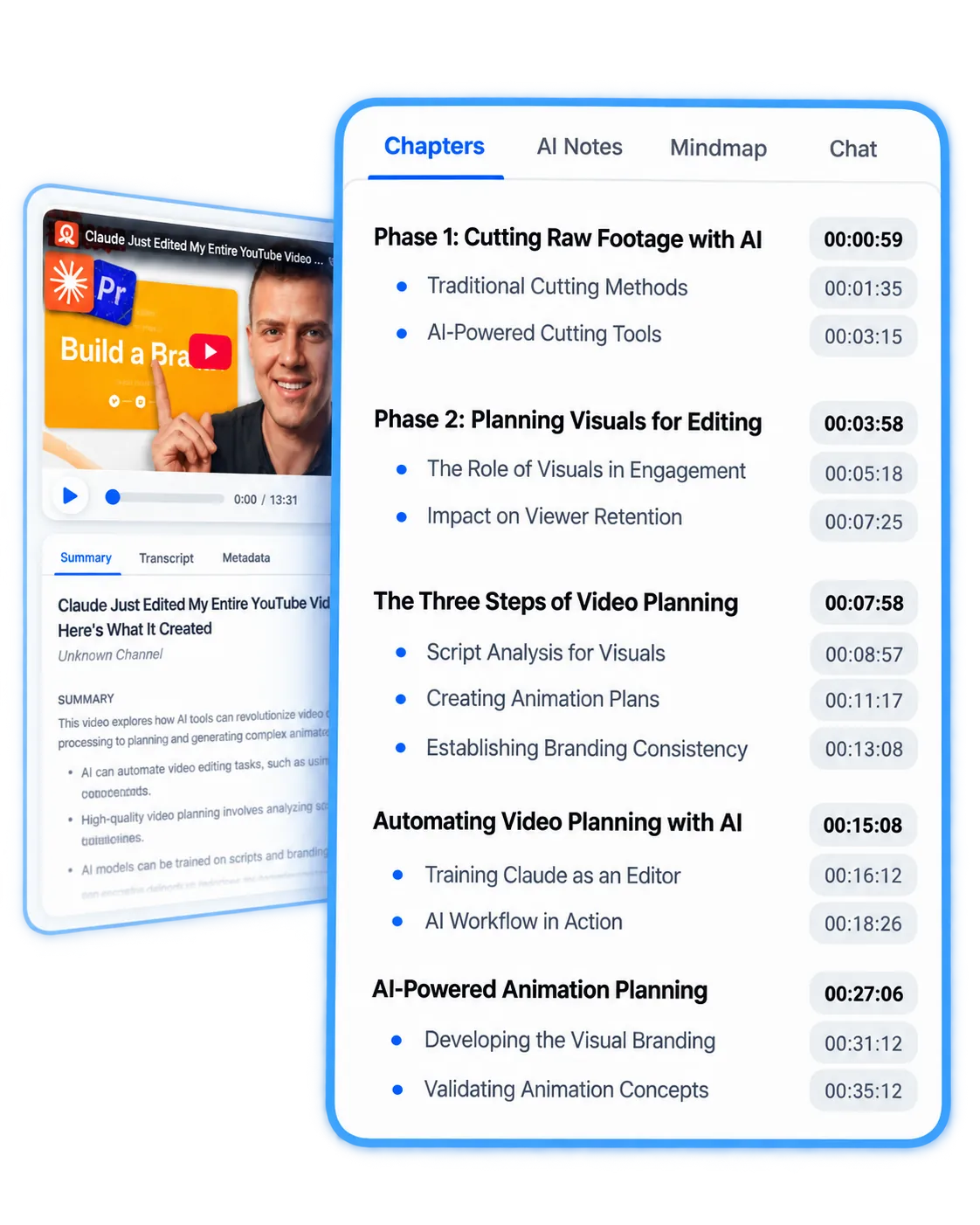
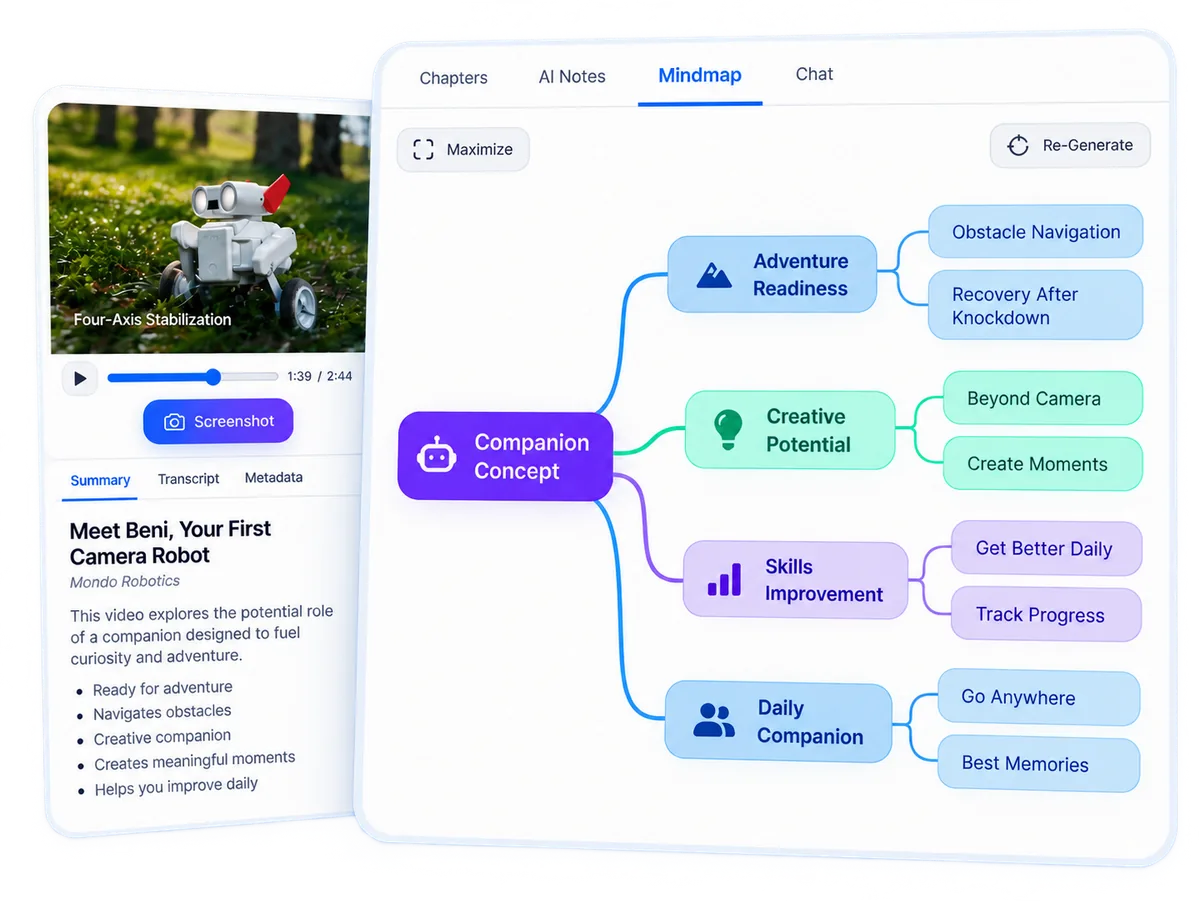
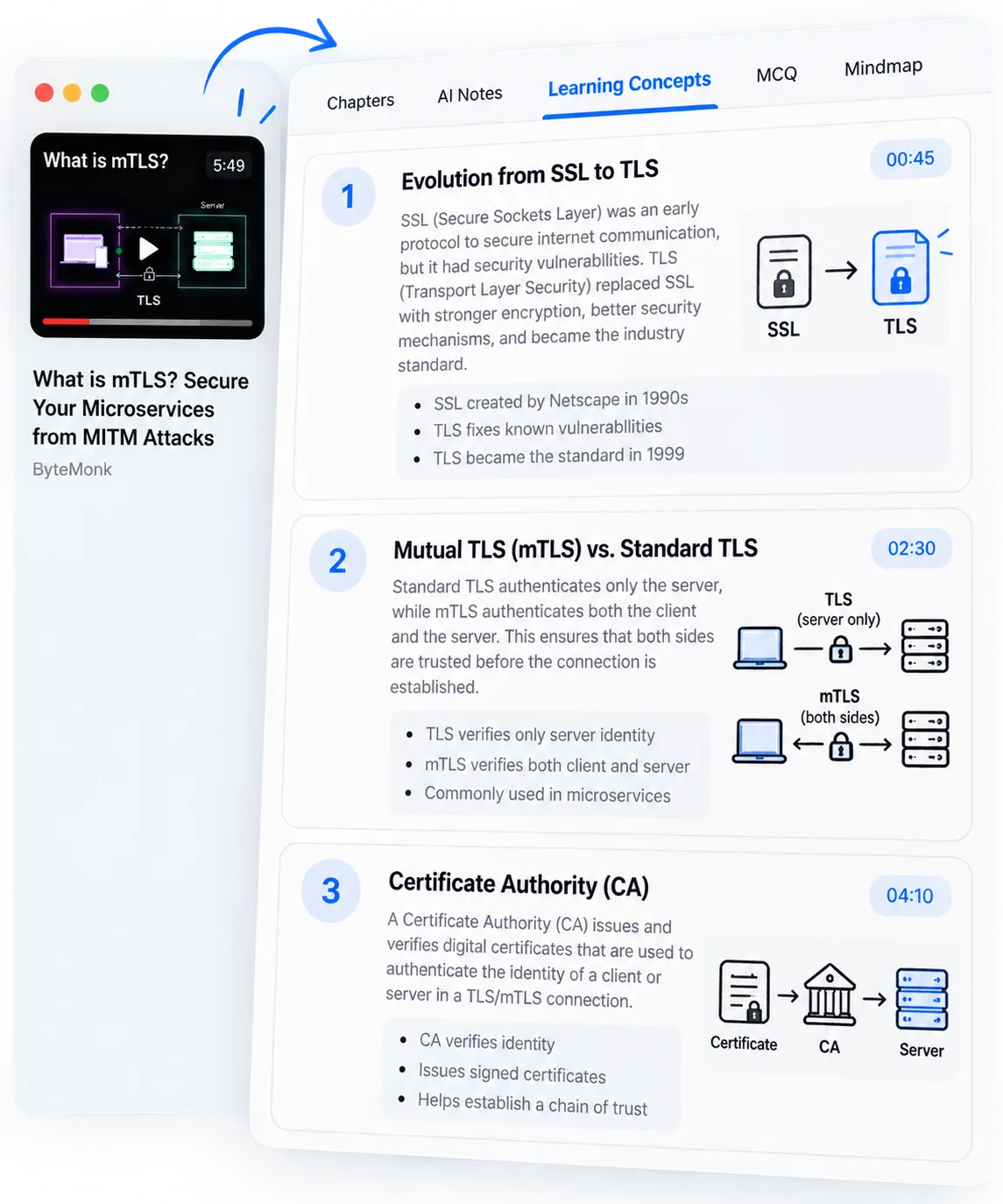
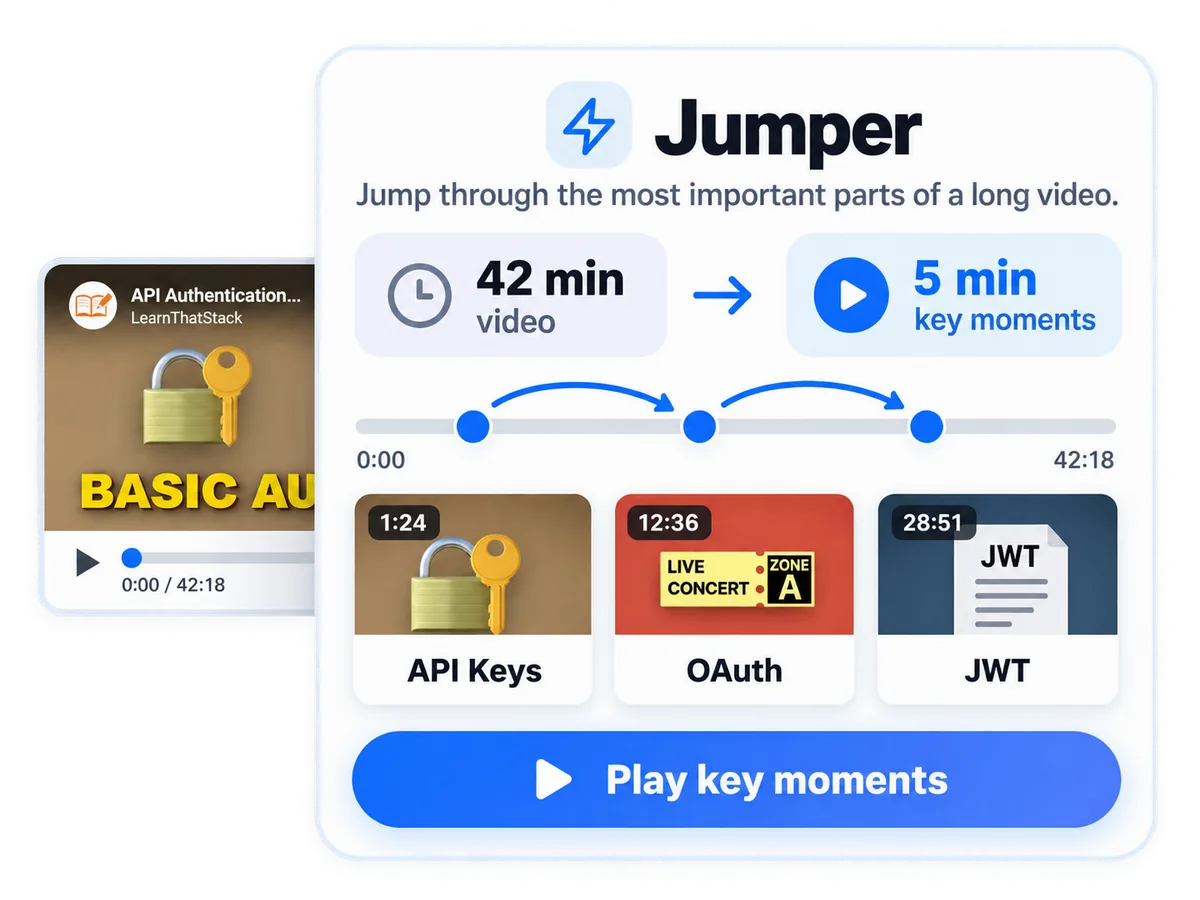
Turn any YouTube video into structured notes

Stop rewatching videos. Capture key ideas and screenshots in seconds. Local-first.

No signup • Paste a link • See results in 10s

★★★★★
4.9 ⭐ 100+ reviews

All you need to transform your learning

Try it now

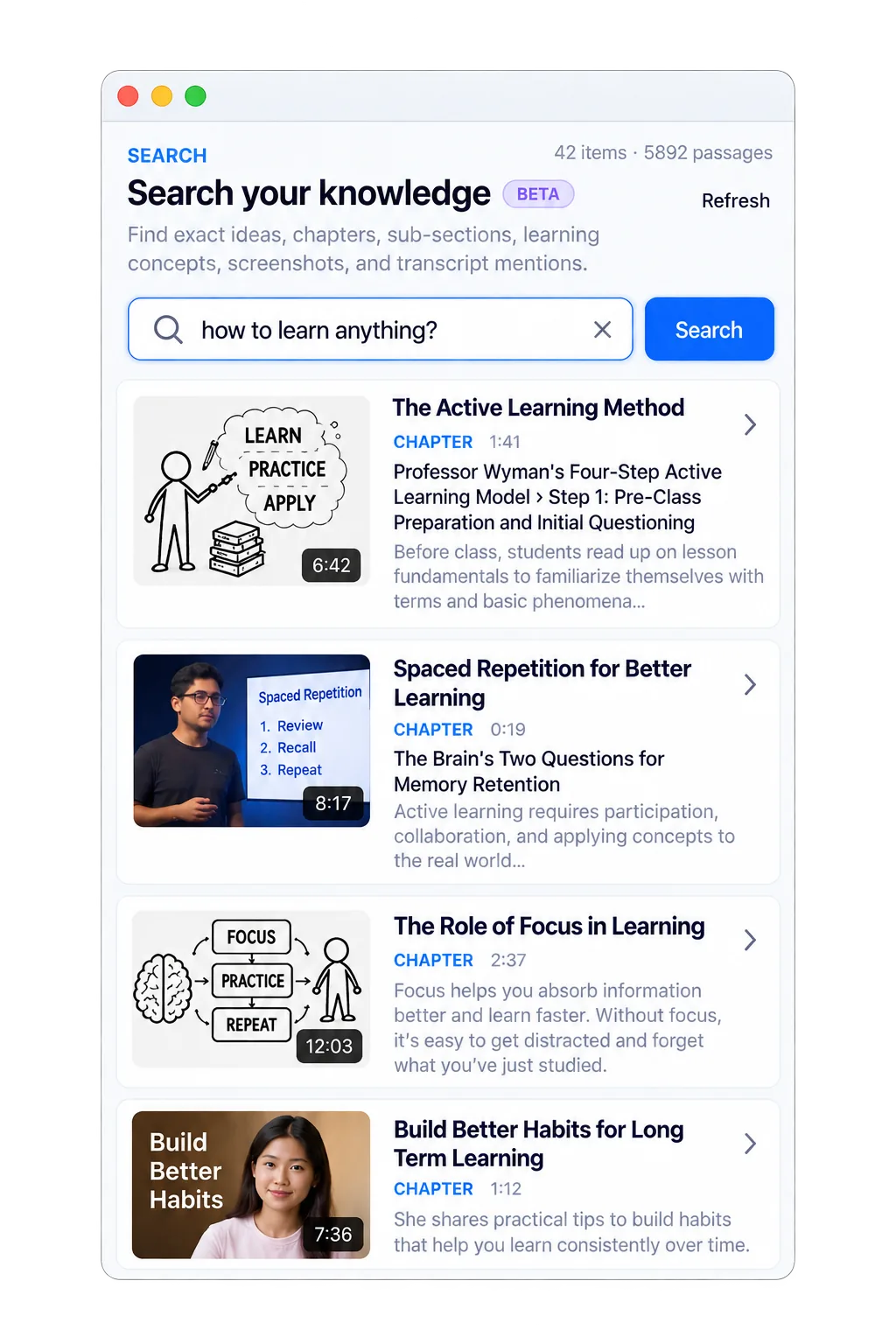
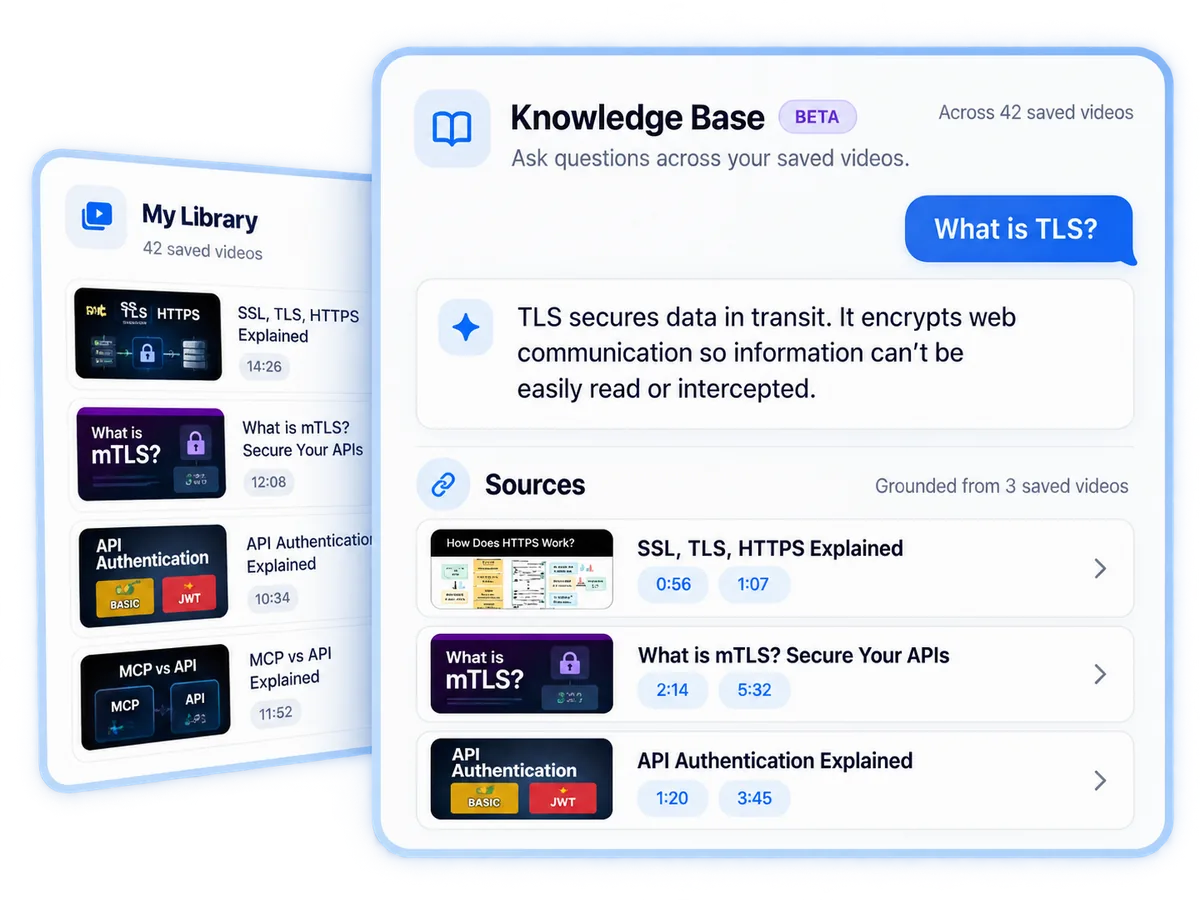
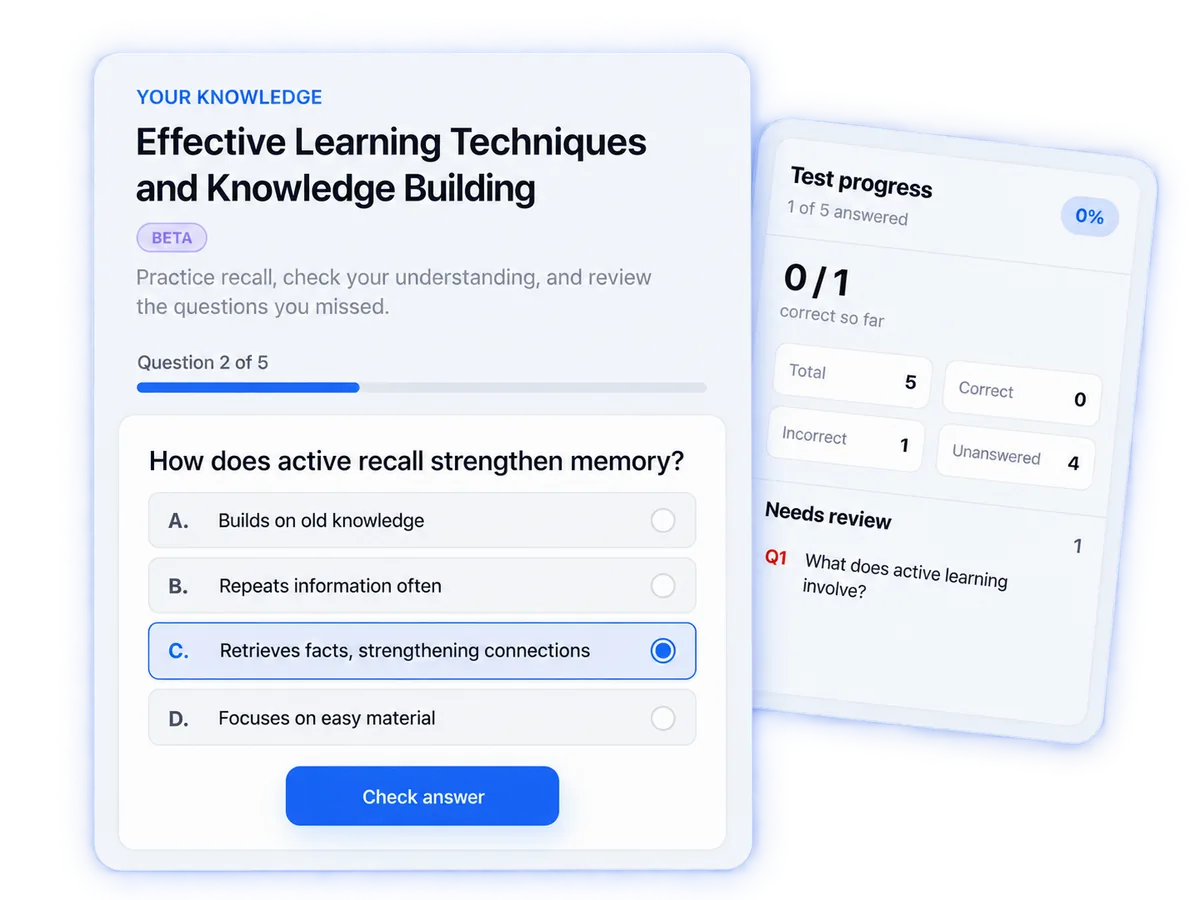
See ScribeShot in action

Fully interactive — click anything to explore the real app experience.

ScribeShot
AI Agents Explained in 5 Minutes
2:34
5:12

This is a fully interactive mockup with static data — no real video is processed.

The most productive learners use ScribeShot to crush their studies

SC
★★★★★

"ScribeShot has completely transformed how I study. The AI-generated notes are incredibly accurate and save me hours of manual note-taking."

MR
★★★★★

"As a teacher, this tool helps me create better study materials for my students. The transcript feature is a game-changer."

ET
★★★★★

"The screenshot integration feature is brilliant. I can now capture key moments and add them to my notes seamlessly."

AK
★★★★★

"Perfect for research work. The structured notes help me organize information from multiple videos efficiently."

LP
★★★★★

"ScribeShot's local storage gives me complete control over my learning materials. No more worrying about cloud privacy!"

DK
★★★★★

"The AI notes are so well-structured that I can quickly find any concept I learned months ago. Game-changing for continuous learning!"

Local‑first. Your notes stay yours.

ScribeShot saves your notes and screenshots directly to your computer. No cloud lock‑in. Work offline. Back up with any tool you like.

FAQ

Can ScribeShot run fully offline?

Yes! ScribeShot features a built-in Local LLM Engine that lets you run lightweight models (such as Gemma or Llama) directly on your local CPU/GPU. No data leaves your machine.

Do I need an OpenAI API key?

It is optional! You can plug in your own OpenAI API key for maximum quality and speed, or use ScribeShot's built-in Local LLM runner to generate notes fully offline.

Is my OpenAI API key stored on a server?

No. ScribeShot is a local-first application. Your OpenAI API key is encrypted and stored safely inside your machine's secure system keychain.

Do I need a subscription?

No. It’s a one-time purchase with a lifetime license. You own the software forever.

How do screenshots auto-embed?

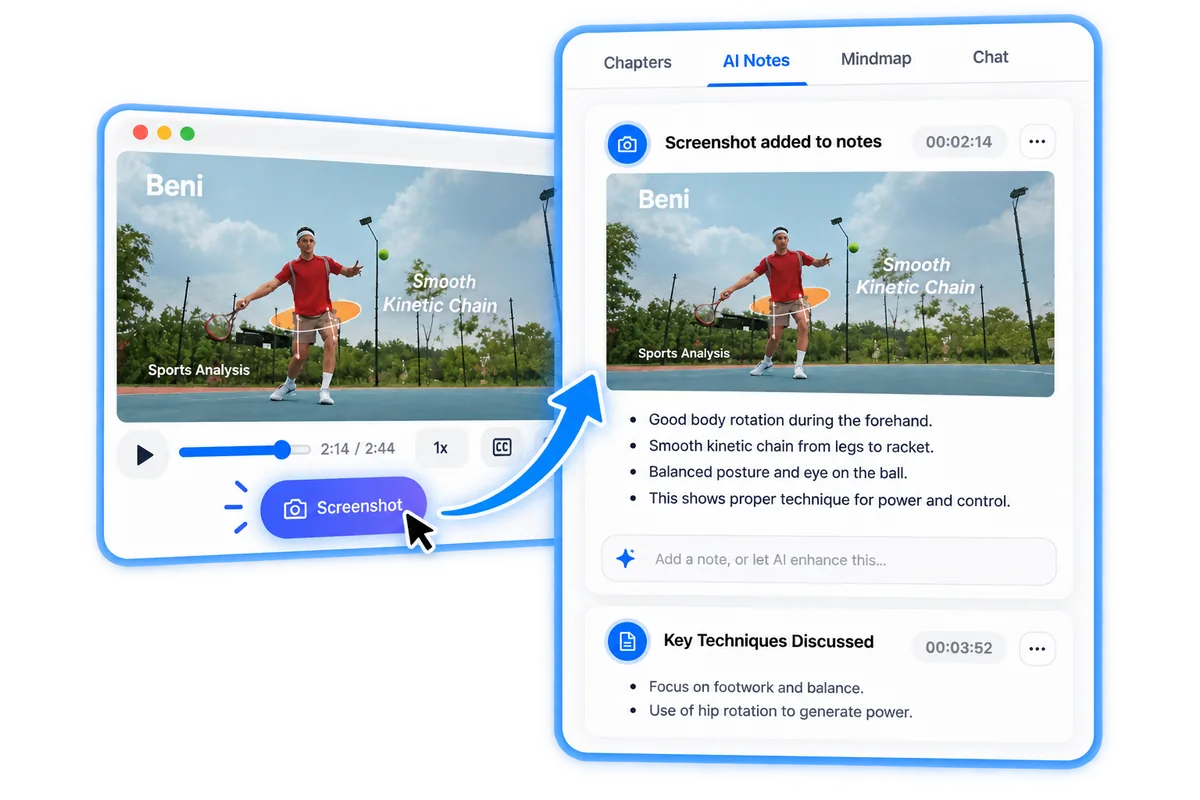
Click 📸 while watching to snap a slide or code. ScribeShot's AI vision analyzes the screen content and auto-embeds the screenshot under the corresponding timestamp in your notes.

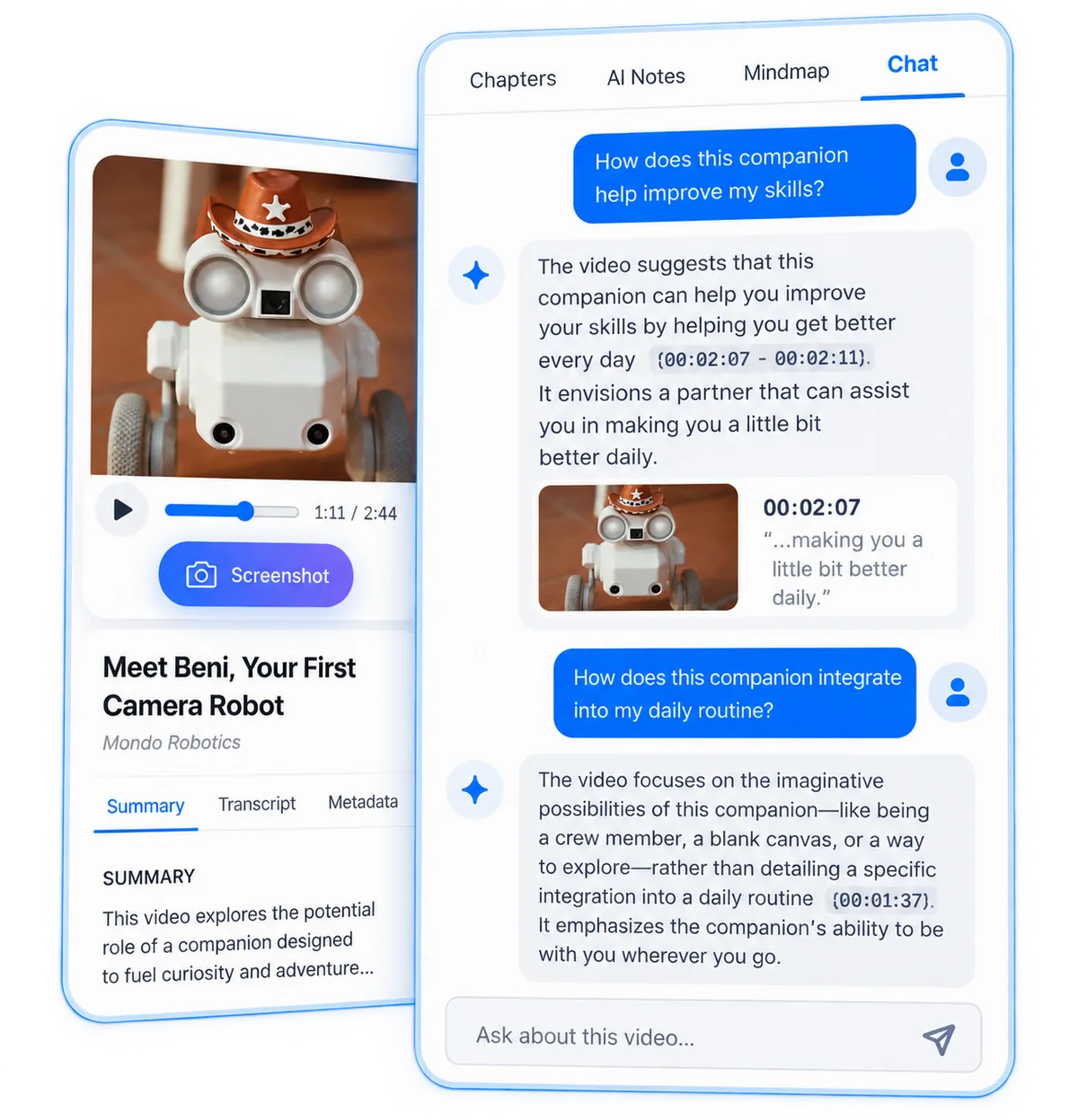
How does the video chat work?

You can chat interactively with any video. ScribeShot indexes long video transcripts and uses smart keyword retrieval to feed relevant context to your local LLM or OpenAI.

Simple pricing, pay once

All Features Included

ScribeShot

$24 One-time license
Limited time: Use code BETA50 for 50% off
Advanced AI note generation
Unlimited videos
Smart screenshot integration
Local storage + backup
Priority support
Future updates included
No monthly fees
Lifetime access
Buy ScribeShot

Download for your platform

How activation works:
  1. Buy a license on Gumroad (use code BETA50 for 50% off).
  2. Download and install the app.
  3. Enter your license on first run (license also emailed after purchase).
Offer ends in: Loading…

Latest Version: Loading...

What's New:
  • Loading changelog...