 ScribeShot
YouTube notes from coding tutorials and conference talks
Turn a coding tutorial into a reference you can run, check and reuse. Keep original code as text, capture the visual context that matters, and connect the explanation to its source timestamp.
Try the worked Python lesson: error, fix and verification ↓
Deciding whether a talk is worth your time
Before committing forty-five minutes, generate chapters and read them. Scan the chapter titles to see whether the talk covers your question, then check the relevant source section before committing to the whole recording.
When it does, the experimental Jumper / Key Moments walkthrough plays selected source moments in sequence with spoken narration bridging the gaps, so you can get the shape of a talk while doing something else and come back for a proper pass on the parts that mattered.
Capturing code from a screencast with YouTube screenshots
This is the specific problem with recorded tutorials: the useful artefact is on screen and never spoken aloud. Nobody reads out an import block or a config file. A transcript of a screencast records the narration and loses the entire thing you were watching for.
Screenshot the editor when the code is on screen, and the capture is analysed rather than merely stored — the text and structure inside it can be searched and referenced later. A snippet you grabbed in April is findable in September without rewatching anything.
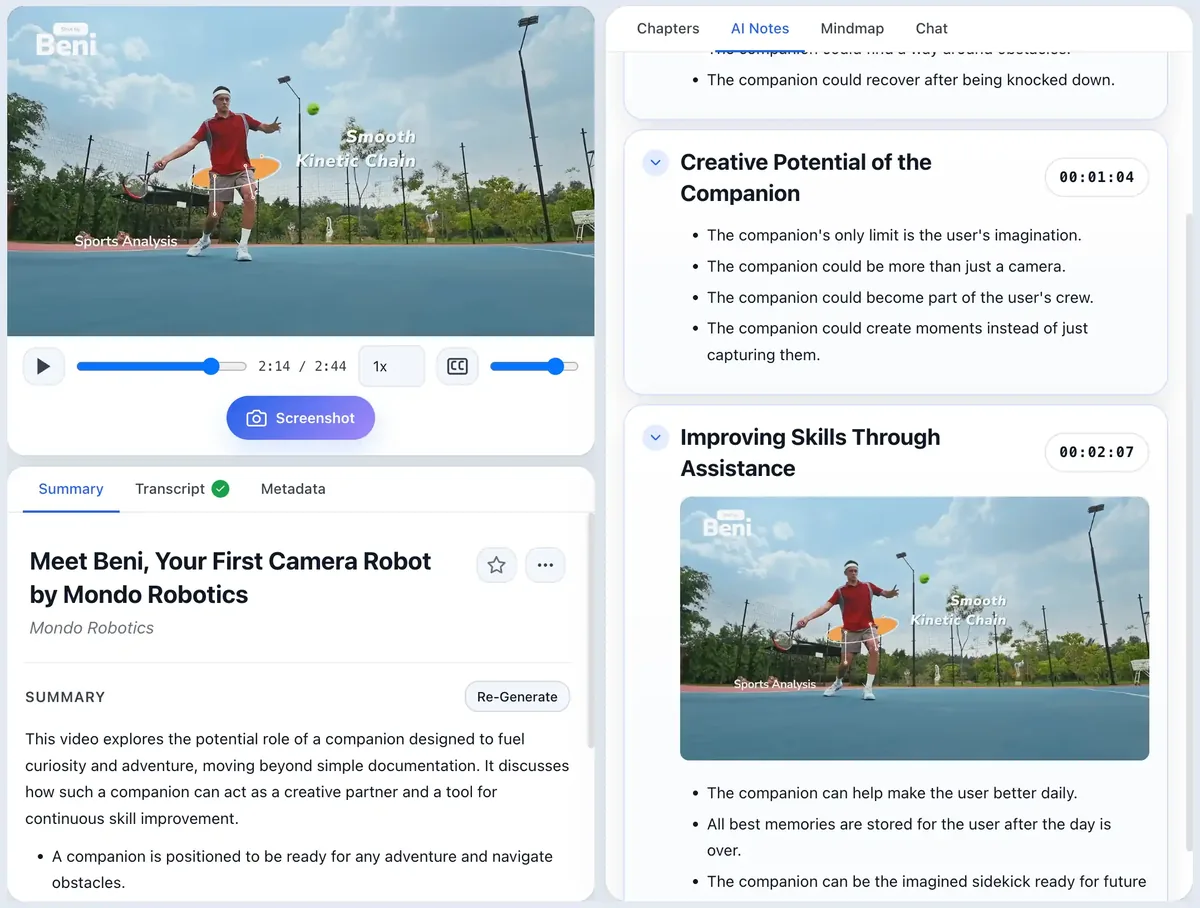
Automatic transcripts mangle technical vocabulary in predictable ways — library names, CLI flags, and acronyms come out phonetically. Keep original code and command text for anything you intend to run; use screenshots to preserve visual context, and treat the transcript as an index for finding the moment, not as a source you can paste from.
Worked example: keep the error, the fix and the proof
This is an original, runnable ScribeShot learning exercise, not a quotation from a video or a screenshot of the app. Use the same note structure for a tutorial you watch: record its actual URL and timestamp, then reproduce the behavior yourself.
1. Reproduce the problem
Environment: Python 3, standard library only; verified with Python 3.9.6. Save the files in one folder. No package installation is needed.
text = "10  20 30"
print(sum(int(part) for part in text.split(" ")))
Run python3 broken.py. The repeated space produces an empty token. The final error line from the run is:
ValueError: invalid literal for int() with base 10: ''2. Explain the smallest fix
def total(text):
    return sum(int(part) for part in text.split())

print(total("10  20 30"))
# 60
split(" ") treats each literal space as a separator, including adjacent spaces. split() groups whitespace and handles spaces, tabs and newlines. This difference is documented in Python's string-method reference. This small example sums whitespace-separated integers; it is not a CSV parser and still rejects words such as apples.
3. Keep evidence that will help you reproduce it
Keep the exact input, failing line, error text, interpreter version and changed line as text. If the video makes the difference visually clear, capture the complete input and error together, with a caption such as “Two spaces create an empty token when a literal space is the separator.” Skip the install splash screen or a second identical error frame.
In a video note, add the real source timestamp beside the failure and fix. Do not invent timestamps for this exercise: it has no source recording.
4. Verify the result and test your recall
Run python3 fixed.py for the result 60, then python3 test_fixed.py. Four checks cover repeated spaces, tabs/newlines, empty input and rejection of non-integer tokens. A passing example alone would not catch all of these cases.
Close the code and answer: “Why did the empty string appear? Which separator handles tabs? Should this silently ignore invalid words?” Then reproduce the fix without copying it.
Download broken.py · Download fixed.py · Download the verification checks
Use the free notes template to keep the reasoning with your code, or try the ScribeShot demo to see timestamped notes and captured frames together.
Recovering the thing you half remember
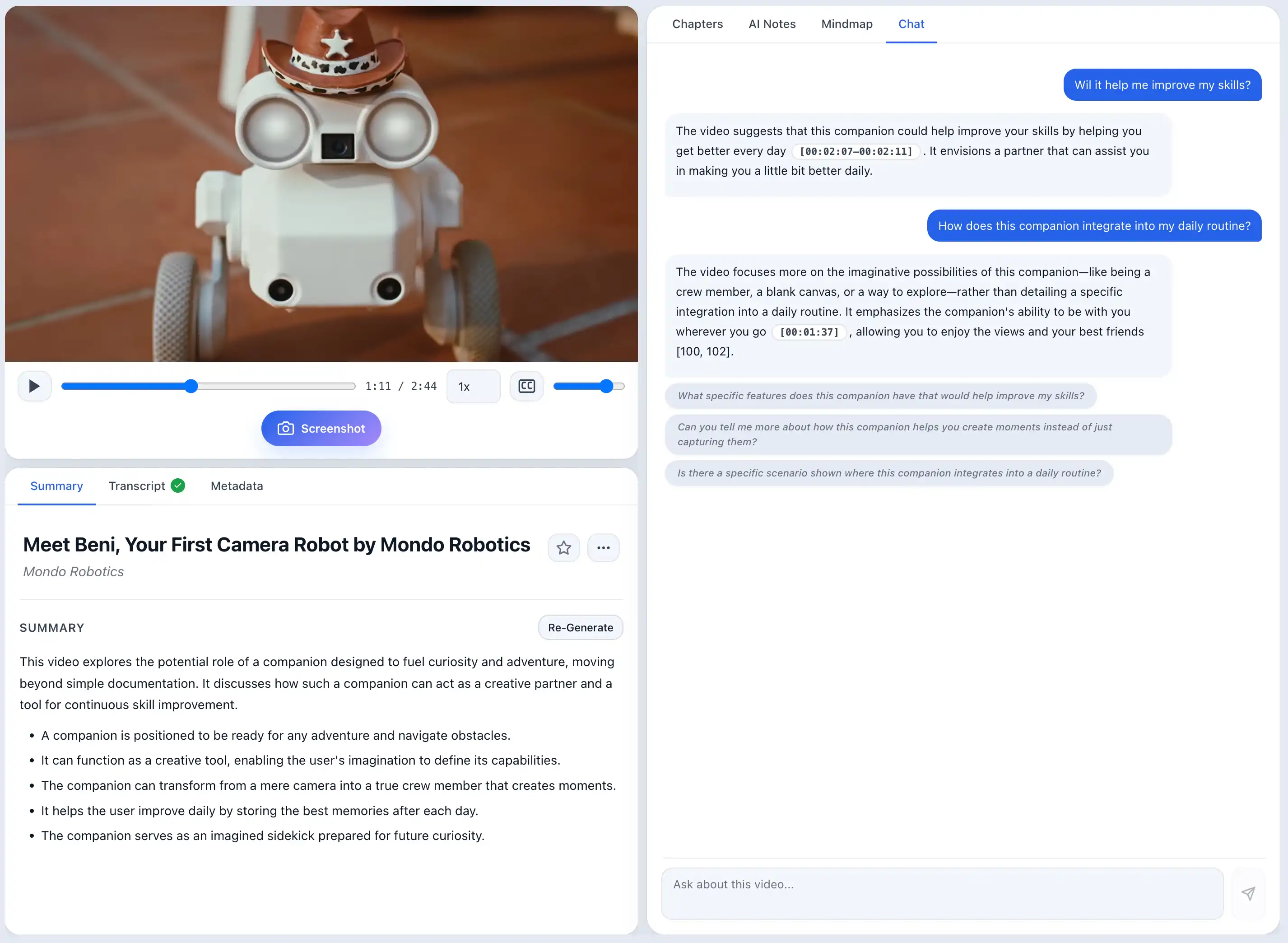
If you know which talk contained the answer, ask that video and keep the result tied to its timestamp and captured visual evidence. If you only remember that you learned it somewhere, use Knowledge Search across the saved library instead of guessing filenames or titles.
Search groups matching chapters under the relevant videos, while Ask Knowledge Base can pull together the saved material that answers a broader question. That changes the value of an old tutorial: it stays useful even after you forget exactly where the idea came from.
Building a library across many talks
The value compounds once you have twenty talks processed. ScribeShot can search that library semantically, surface the videos and chapters most relevant to a topic, and answer questions across the notes you have accumulated. You no longer need to remember that a useful profiling technique came from “that conference talk from April.”
Test Me adds a second use for the archive: turn saved concepts into active-recall questions so a backlog of tutorials becomes something you can review, not merely store.
The plain-file design is still important. Every note remains ordinary Markdown on your own disk, so the same collection is also greppable with ripgrep, searchable in Obsidian or your editor, and portable into whatever knowledge system you use next. ScribeShot's built-in retrieval is an intelligence layer on top of files you continue to own.
Running the local model matters here for a practical reason rather than an ideological one: processing a long backlog through a cloud API has a per-video cost that adds up, while a local model has none once downloaded. If you are working through a conference playlist, that is the difference between watching the meter and not thinking about it.
What this does not do
YouTube only, and ingestion is one video at a time. Conference talks on Vimeo or a conference's own player will not work, and playlists are not processed in bulk. Once videos are saved, however, Search, Ask, and Test Me work across the library rather than one open video at a time.
Transcripts must exist. Processing depends on a transcript being available for the video.
macOS only for now. Windows support is in progress.
Common questions
Can it read code from a video?
You capture a screenshot while the code is on screen and the image is analysed, so the text inside it can be searched and referenced later. Reading code from a screenshot is more reliable than the transcript, which records only narration.
Can I process a whole conference playlist at once?
No. Videos are added individually; playlists are not processed in bulk.
Does it work with talks that are not on YouTube?
No. ScribeShot accepts YouTube links only, so talks hosted on Vimeo or a conference platform are not supported.
Is the local model good enough for technical content?
Gemma 4 E4B is the default for structured notes and chapters. Qwen3-VL 8B is another supported local option for a Mac with more available memory. Check technical details against the source video and original code or documentation.
Can I search across old tutorials?
Yes. Videos are still added individually, but Knowledge Search and Ask Knowledge Base work across all saved video notes instead of only the tutorial currently open.
Try it on a talk you have been putting off
Three videos free, no signup. Generate the chapters first — that alone tells you whether the talk deserves the other forty minutes.
Try 3 videos free • 3 screenshots per video • No credit card • Zero AI cost with local LLM