Chatbots vs. AI Agents
- Chatbots are reactive: they answer requests when prompted.
- AI agents work toward a goal by deciding and carrying out multiple steps.
- An agent can plan and act rather than only continuing a conversation.
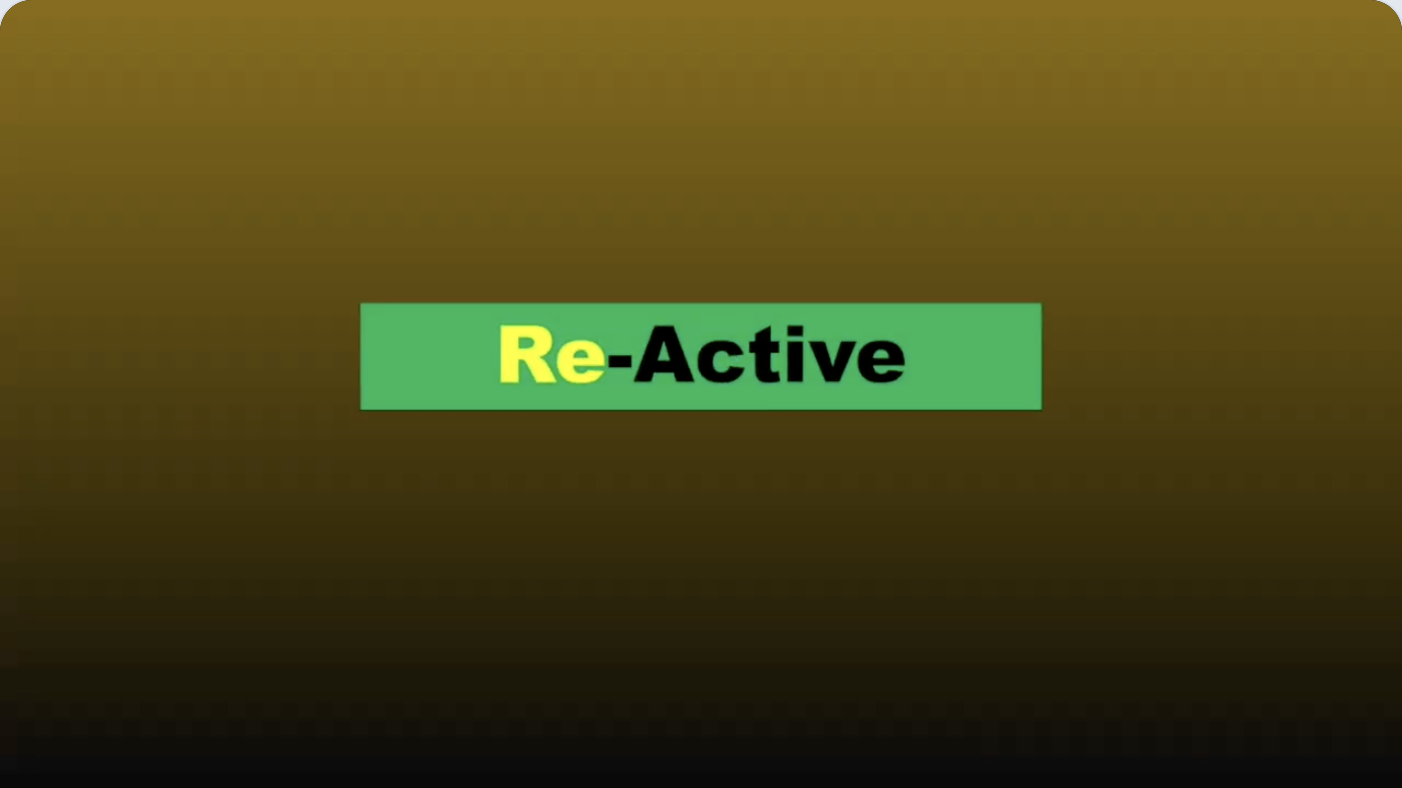
 ScribeShot
This is an excerpt of actual demo output from a saved YouTube lesson about AI agents. See the timestamps, structured notes and frames captured while watching. It is not a generic prompt-generated marketing mockup.
Source: AI Agents Explained In 5 Minutes — MaxonShire. The complete interactive ScribeShot demo presents this same lesson with chapters, AI Notes, captured screenshots, mind maps, and chat.
What is and isn't automatic: ScribeShot structures the available transcript; a person chooses the visual frames worth capturing. Captured frames can then be analyzed for visual context. This is different from claiming that AI continuously watches every frame of every video. Real results vary with the source, transcript and selected model.
Try the real, interactive browser demo before installing anything. ScribeShot for Mac lets you save ordinary Markdown and image files locally.
Apple Silicon Macs (M1 or later) • No signup or credit card for trial • Local AI requires initial model download